The Edit and Delete buttons of the Saved Private tab allows users to edit or delete an expenditure that has been entered into WYCFIS and has a status of Saved Private.

Modify (Edit) Expenditures
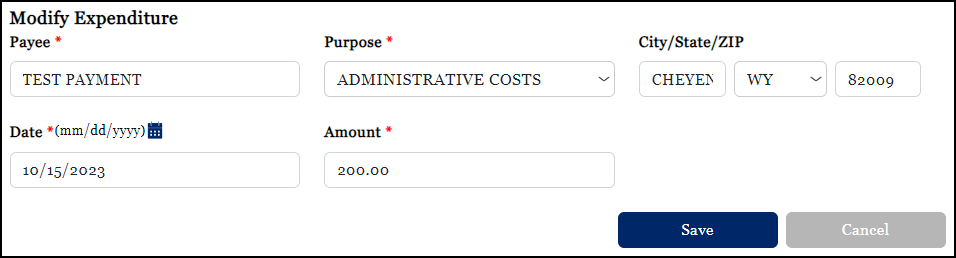
In order to modify or edit an expenditure, the user must select an expenditure (by placing a check in the Select column) from the Saved Private tab of the View Expenditures screen. Once the expenditure has been selected, click the Edit button to open the Modify Expenditure screen. This screen allows the user to edit the information appearing on the selected expenditure. After making the necessary edits, click Save.
Delete Expenditure
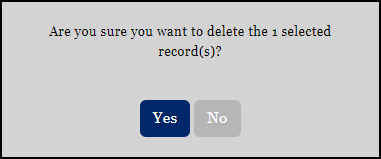
In order to delete an expenditure, the user must select an expenditure (by placing a check in the Select column) from the Saved Private tab of the View Expenditures screen. Once the expenditure has been selected, click the Delete button. The user will be prompted to confirm the deletion either by selecting Yes or No. If the user chooses to delete the expenditure, they are returned to the Saved Private tab and the deleted record is removed.