The Expenditures section is the primary location for managing expenditures. All expenditures are entered, edited and amended under this link.
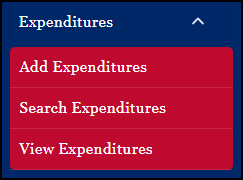
By selecting Search Expenditures or View Expenditures, the user may conduct a search based on specific parameters entered and then choose to print a report of one or all of the entries, edit an expenditure, add new expenditures, etc.
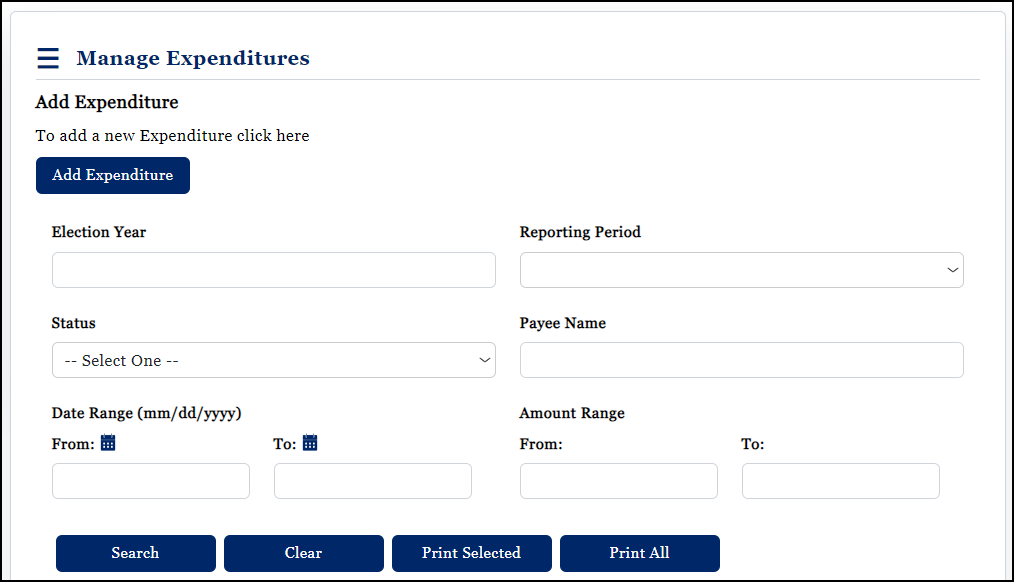
In the fields and drop-down lists of the Search Expenditures portion of the screen, enter or select the specific search parameters. All of the fields and drop-down lists are optional; the one exception to this rule is that a Reporting Period must be selected if an Election Year is entered.
In addition, the Special Election Expenditure option only becomes available if the contest to which the account type is associated is part of a special election as determined by the State Canvassing Board.