The Filing History page provides the user with quick access to all statutorily required campaign finance reports which have already been filed. The history appears in reverse chronological order, with the most recent filing appearing at the top.
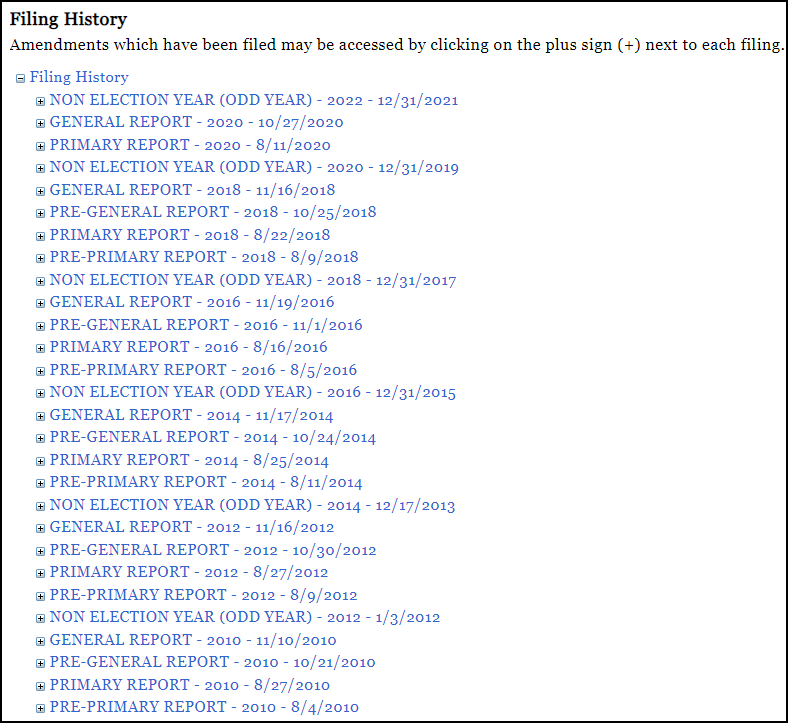
If amendments to a filing have been filed, that information is accessed by clicking on the plus sign (+) which appears next to each filing.
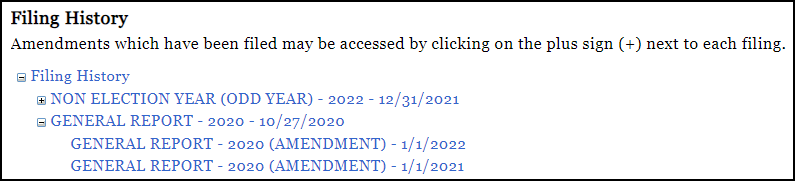
When you select any of the links appearing in the Filing History, the Filing Detail for that report will be opened. The Filing Detail simply provides a summary of the report and its contents.
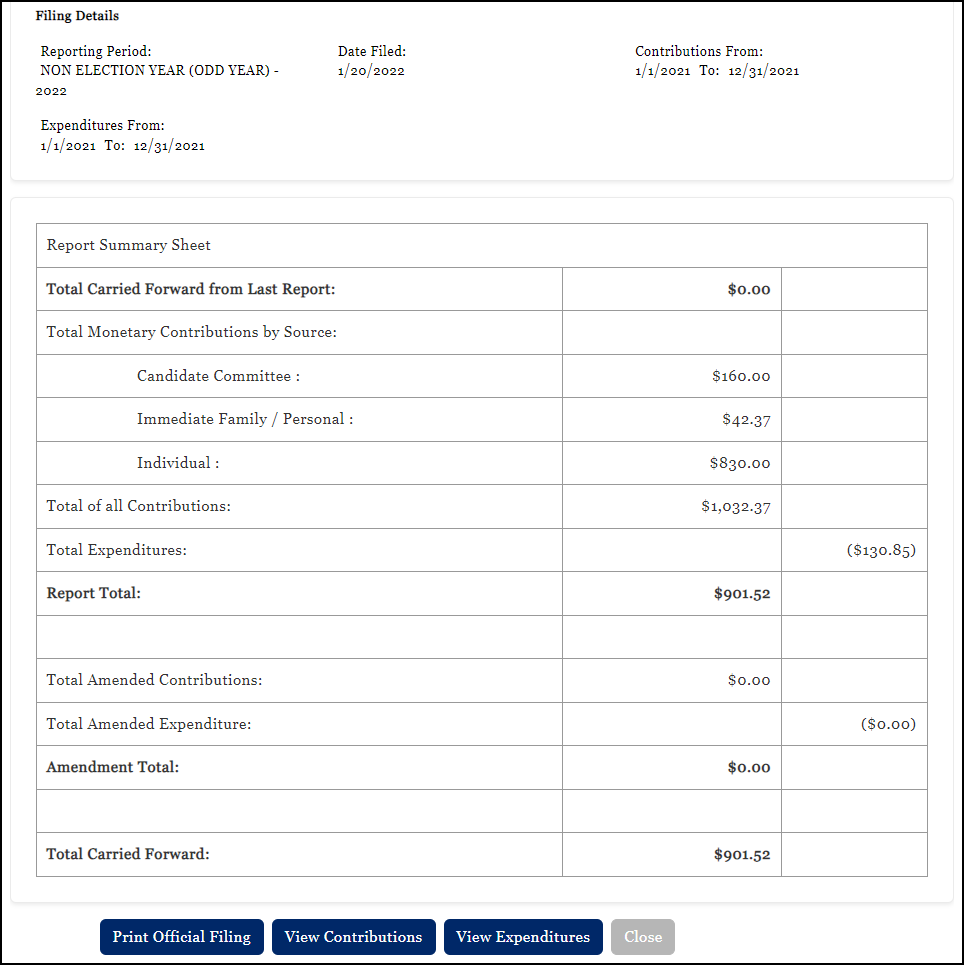
From this screen users can:
•Print Official Filing: this option opens a PDF containing the details for the report;
•View Contributions: this option provides an onscreen list of the specific contributions associated to the filed report;
•View Expenditures: this option provides an onscreen list of the specific expenditures associated to the filed report; and
•Close: returns the user to the Filing History home page.