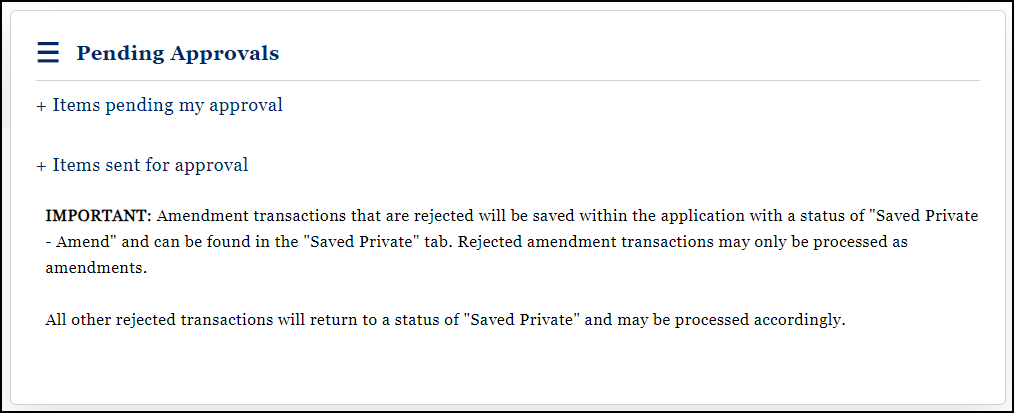
Candidate committees, PACs, and organizations require the signature of both the chairman and treasurer in order to Publish or Unpublish transactions; File statutorily required reports; or Amend already filed reports. The Pending Approvals link is where you will find all three items if one signator has signed and the report is still in need of the second signature.

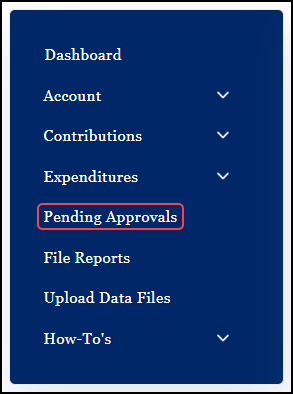
The user is notified of Pending Approvals when they log into WYCFIS.

When the Pending Approvals link is selected, the user is taken to the Pending Approvals home page. From the home page, the user can access the items pending their approval and can see those items sent for second approval. If the menu items are collapsed, as illustrated below, you have no pending approvals and have not sent anything to the second officer for approval.