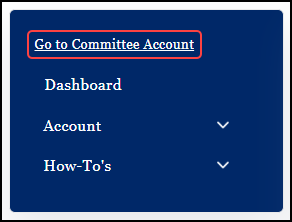
For those candidates who are associated with a principal campaign committee, the Go to Committee Account link is available.
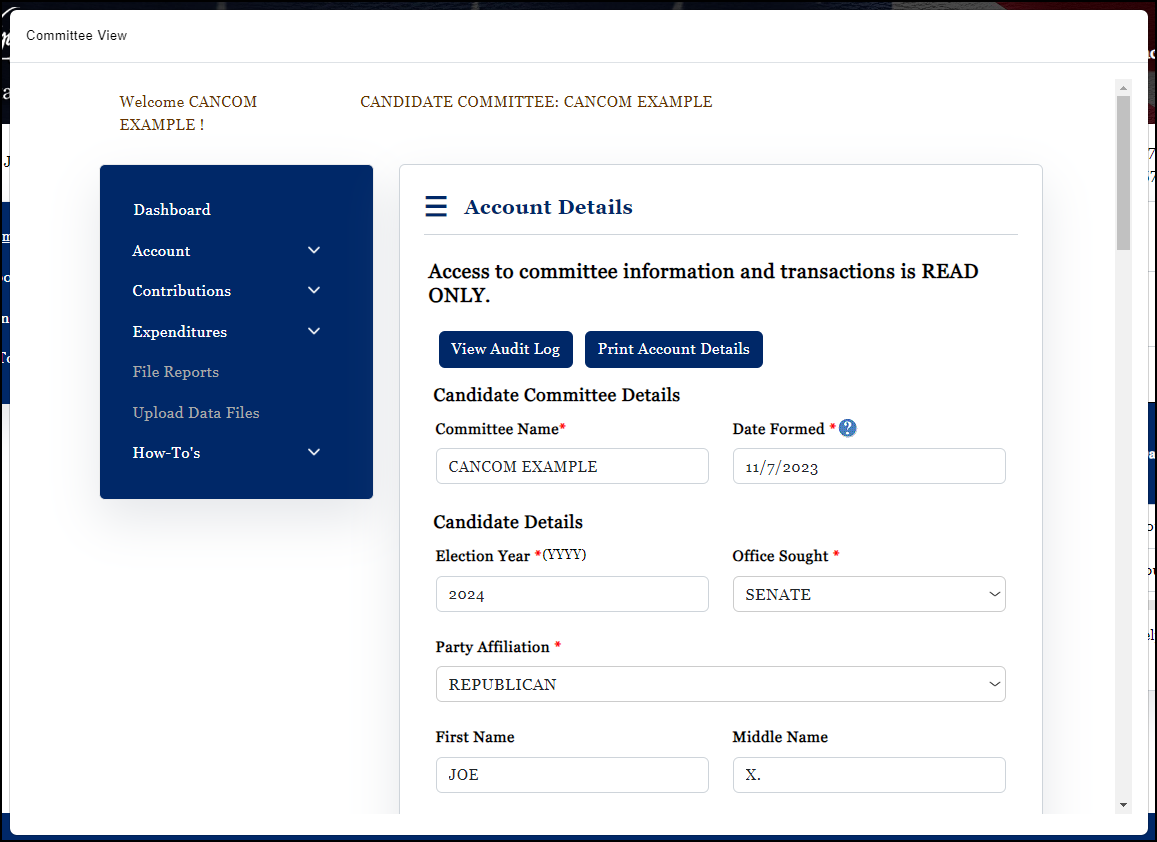
When selected, a new window will open to the Account Details screen of the associated committee. All information provided in this view is read-only information. Candidates may view the following committee information:
•Alerts & Messages;
•Filing Deadlines;
•Account Details;
•Account History;
•Contributions entered, published, filed, etc.;
•Expenditures entered, published, filed, etc.;
•Transaction Summary; and
•Filing History
IMPORTANT: Only committee officers may modify any of the account or transaction information. As mentioned above, candidates accessing committee information via the "Go to Committee Account" link is viewing data in a read-only mode. In order for a candidate to modify committee information, the candidate must be an officer of the committee (chairman or treasurer).